Both are 27-inch-class 4K, 60 Hz IPS monitors for colour-managed work. They share wide-gamut coverage, hardware calibration, USB-C power delivery, a USB hub and 100 × 100 mm VESA mounting. [2][3]
The EIZO has a built-in calibration sensor, scheduled calibration and an RJ-45 adapter; the BenQ uses Palette Master Ultimate for hardware calibration and has two HDMI inputs. Both support USB-C power delivery, with 94 W on the EIZO and 90 W on the BenQ. [2][3]
The linked reviews place both models in colour-critical workflows. BenQ reviewers praise the fine-coated panel and colour controls while questioning value and contrast; EIZO reviewers highlight the integrated calibration system and uniformity, with price and limited USB-C connectivity as the main trade-offs.
| Feature | BenQ SW272U | EIZO ColorEdge CG2700X |
|---|
| Calibration workflow [1][3] | Hardware calibration through Palette Master Ultimate. | Built-in calibration sensor with scheduled calibration. |
|---|
| USB-C and networking [2][3] | USB-C (90 W); KVM switch. | USB-C (94 W); integrated RJ-45 adapter. |
|---|
| Brightness and contrast [2][3] | 400 cd/m² typical brightness; 1,000:1 contrast. | 500 cd/m² brightness; 1,450:1 contrast. |
|---|
Built-in sensor versus Palette Master Ultimate
The CG2700X has its calibration sensor built in and supports scheduled calibration. The SW272U supports hardware calibration through Palette Master Ultimate with a separate colorimeter. This is primarily a workflow difference: EIZO makes routine calibration self-contained, while BenQ leaves the choice of measuring hardware to the user. [3][1][2]
USB-C and desk integration
Both monitors carry video, data and laptop charging over USB-C. BenQ provides 90 W power delivery, a KVM switch and two HDMI inputs. EIZO provides 94 W power delivery, an integrated RJ-45 adapter and one HDMI input. Choose based on whether a second HDMI input or wired networking matters more to the desk setup. [2][3]
What the reviewers found
Digital Camera World measured strong colour accuracy on both models: Delta E 1.07 for the BenQ and 0.40 for the EIZO. Its EIZO sample also measured 547 cd/m² brightness and a 3% maximum brightness-uniformity difference. PCWorld praised the BenQ's sharp, paper-like presentation and controls, while reporting modest contrast and high price as limitations.
Full specification comparison
| Specification | 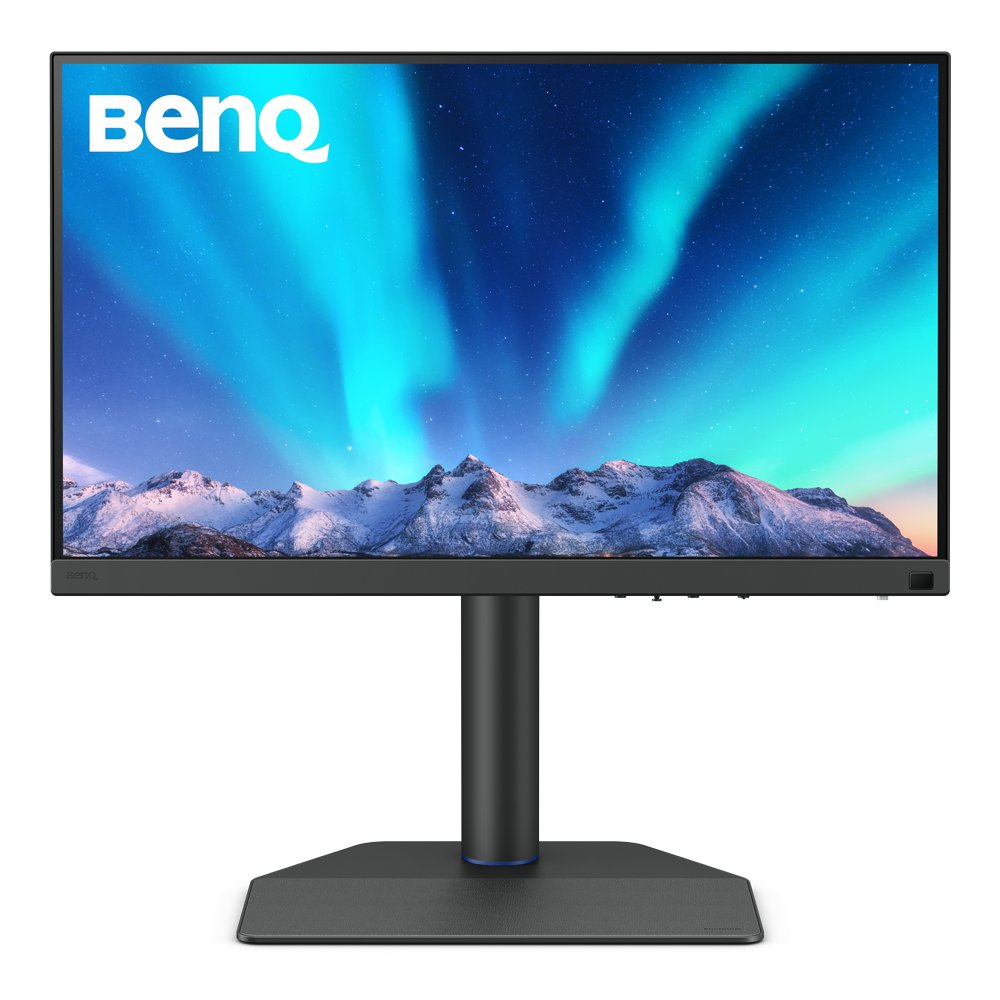 BenQBenQ SW272U | 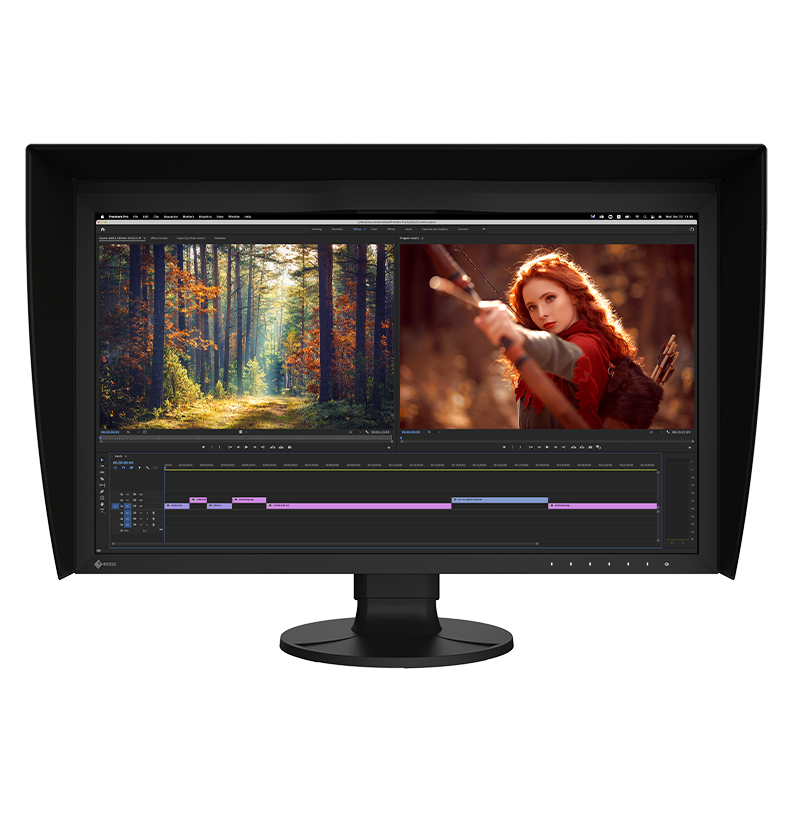 EIZOEIZO ColorEdge CG2700X |
|---|
| Display |
|---|
| Screen size | 27-inch | 26.9-inch |
|---|
| Native resolution | 3,840 × 2,160 | 3,840 × 2,160 |
|---|
| Aspect ratio | 16:9 | 16:9 |
|---|
| Panel technology | IPS | IPS |
|---|
| Surface | Nano Matte | — |
|---|
| Pixel density | 163 PPI | 164 PPI |
|---|
| Colour depth | 10-bit | 10-bit |
|---|
| Performance and HDR |
|---|
| Maximum refresh rate | 60 Hz | 60 Hz |
|---|
| Alternate mode | — | — |
|---|
| Claimed response time | 5 ms | 13 ms |
|---|
| Typical brightness | 400 cd/m² | 500 cd/m² |
|---|
| Typical contrast | 1,000:1 | 1,450:1 |
|---|
| HDR | HDR10 · HLG | HLG · PQ |
|---|
| Local dimming | — | — |
|---|
| Variable refresh | — | — |
|---|
| Colour and calibration |
|---|
| Gamut coverage | sRGB 100% · Rec. 709 100% · Adobe RGB 99% · P3 99% | Adobe RGB 99% · DCI-P3 98% |
|---|
| Factory calibration claim | Delta E average ≤ 1.5 | — |
|---|
| Hardware calibration | Listed | Listed |
|---|
| Uniformity compensation | Listed | Listed |
|---|
| Connectivity and ergonomics |
|---|
| Video inputs | 2× HDMI 2.0 · 1× DisplayPort 1.4 · 1× USB-C DisplayPort Alt Mode (Also carries data and power delivery.) | 1× USB-C DisplayPort Alt Mode (HDCP 2.3.) · 1× DisplayPort (HDCP 2.3.) · 1× HDMI (Deep Color and HDCP 2.3.) |
|---|
| USB-C power delivery | 90 W · Manufacturer claim. | 94 W · Maximum manufacturer claim. |
|---|
| KVM switch | Listed | — |
|---|
| USB hub | Listed | Listed |
|---|
| VESA mount | 100 × 100 mm | 100 × 100 mm |
|---|
| Stand adjustment | Height · Tilt · Swivel · Pivot | Height · Tilt · Swivel · Pivot |
|---|
| Dimensions with stand | 613.9 × 451.8–591.8 × 274 mm | 638 × 415.9–570.9 × 245 mm |
|---|
| Weight with stand | 8.6 kg | 9.7 kg |
|---|
Specifications are sourced from the manufacturers' spec sheets at the time of publication (Oct 11, 2026).
External editorial reviews
Digital Camera World
BenQ SW272U · English · published Oct 18, 2023Lab testing found a 1.07 Delta E result out of the box, a 7–8% maximum luminance difference across the tested regions, and a maximum colour-uniformity difference of Delta E 2.7 at 100% brightness.
- Pros
- High colour accuracy · Hardware calibration · High build quality
- Cons
- High price · Limited changes over the previous model · Hotkey Puck may add little for some workflows
PCWorld
BenQ SW272U · English · published Feb 8, 2024The reviewer considers the SW272U especially well suited to photographers, publishers and artists who value its paper-like panel and image controls, while noting that it is a specialised rather than all-purpose display.
- Pros
- Paper-like sharpness · Wide gamut and strong colour accuracy · Ergonomic stand · Extensive image controls
- Cons
- Modest contrast · Connectivity is limited for the price · Expensive for its feature set
Digital Camera World
EIZO ColorEdge CG2700X · English · published Mar 6, 2023 · rating 5/5Lab testing measured 100% Adobe RGB coverage, 98% DCI-P3 coverage, 547 cd/m² brightness, 1,100:1 contrast, Delta E 0.40, and a 3% maximum brightness-uniformity difference.
- Pros
- Built-in calibration system · Landscape and portrait adjustment · Simple connection
- Cons
- High price · One USB-C port · Orientation changes are not seamless
PRAD
EIZO ColorEdge CG2700X · German · published Jan 26, 2023The review describes a wide colour gamut and high uniformity for image retouching and proof simulation. It also examines the monitor's USB-C dock functionality, including network access and KVM use with two connected systems.
- Pros
- Built-in measuring device · Wide gamut and uniformity tools · USB-C dock functions
- Cons
- No DisplayPort cable included · Hood is not suited to portrait use
Compare other models